...

By Jack Beresford
Senior Reporter
0
Share
Newsweek is a Trust Project member
See more of our trusted coverage when you search.Prefer Newsweek on Googleto see more of our trusted coverage when you search.
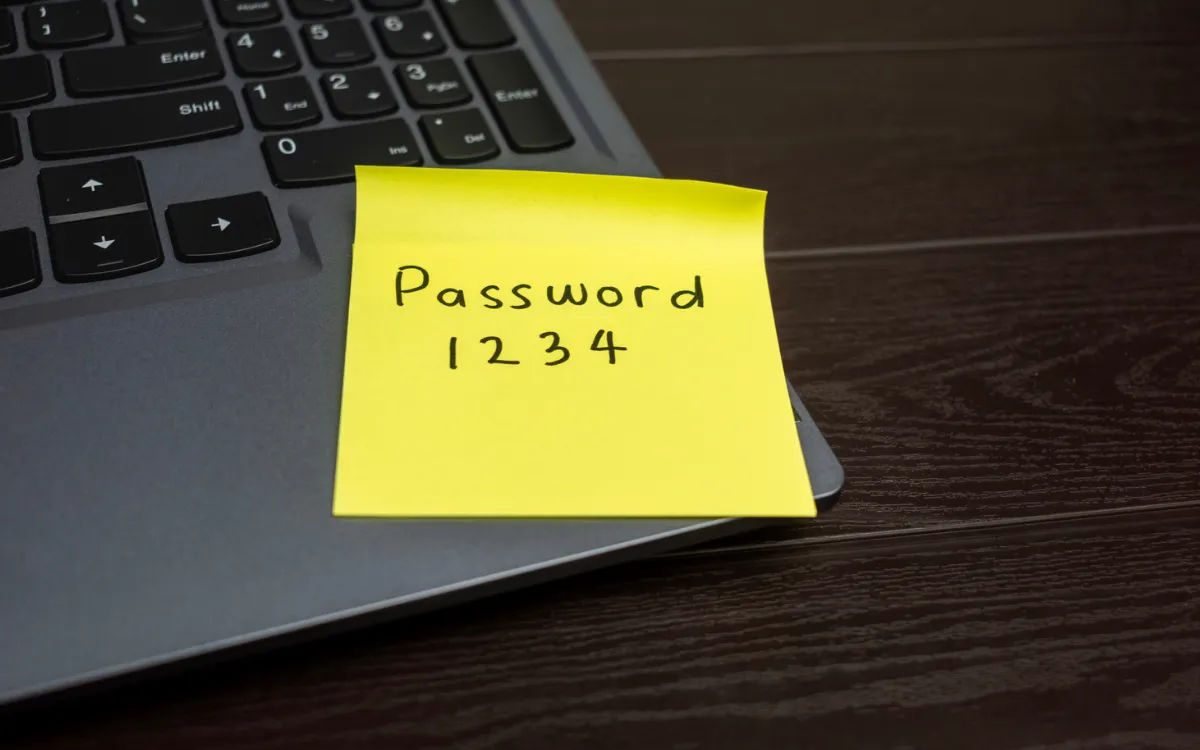
A new study has revealed America’s most common passwords and the results make for concerning reading.
It’s more important now than ever before for web users to protect personal information online with a strong password.
In June, an estimated 16 billion passwords for logins to social media accounts, VPNs and user accounts with companies like Apple and Google, were leaked online.
Read More on On the Internet
It was one of the largest data breaches in history, with researchers at Cybernews discovering more than 30 different datasets, each of which containing billions of logins, had been left exposed.
That incident and others like it in the months since should have served as a wake-up call to the importance of effective password protection, but it appears to have gone unnoticed by many Americans.
The team behind password management software NordPass has revealed its annual top 200 most common passwords.
It makes for worrying reading with “admin” ranking as the number one most common password in the U.S., with the word “password” taking second place. The top 10 most commonly used passwords in the U.S. ranks as follows:
- admin
- password
- 123456
- 12345678
- 123456789
- 12345
- Password
- 12345678910
- Gmail.12345
- Password1
Globally, password quality was found to be equally poor across all generational groups. Far from discerning differences, the study found a striking uniformity in vulnerability. “12345” and “123456” both featured consistently among the top choices in every age bracket.
Older generations were more likely to use names in their passwords. By contrast, Generations Z and Y use almost no names in their passwords, relying instead on combinations like “1234567890” and “skibidi.”
Numbers top both the global and generational lists. Simple numeric sequences spanning from “12345” to “1234567890,” along with common weak passwords like “qwerty123,” also dominate the top 20 lists in various countries, including the U.S.
Compared to last year, researchers observed a significant increase in the use of special characters in passwords. This year, 32 passwords on the main list include special characters, compared with six last year. Most were no more complicated than “P@ssw0rd,” “Admin@123,” or “Abcd@1234” though.
More than half of the exposed world’s most common passwords we discovered are still made of the easiest keyboard combinations of numbers and letters, such as “qwerty,” “1q2w3e4r5t,” and “123456789.”
Reflecting on the findings, Karolis Arbaciauskas, head of product at NordPass, told Newsweek: "The problem with passwords is that they can be cracked or guessed using a technique called ‘dictionary attack’—a systematic method of guessing a password by trying many common words and their simple variations.”
...
Arbaciauskas noted that NordPass has published an annual list of the world’s most popular passwords for some time now while urging people not to use them. Yet, as this year’s study has shown again, the likes of “123456” and “qwerty” continue to be used with alarming regularity.
“Another problem with passwords is that people tend to reuse them quite often,” Arbaciauskas said. “For example, 62 percent of Americans confess they 'often' or 'always' reuse a password. Users often cite having too many accounts to create and remember unique passwords for all of them.”
Arbaciauskas urges users to adopt a few basic rules to improve digital hygiene and reduce the risk of falling victim to cyberattacks:
- Create strong random passwords or passphrases. Passwords should be at least 20 characters long and consist of a random combination of numbers, letters, and special characters.
- Never reuse passwords. The rule of thumb is that each account should have a unique password because if one account gets broken into, hackers can use the same credentials for other accounts.
- Review your passwords. Make sure to regularly check the health of your passwords. Identify any weak, old, or reused ones and upgrade them to new, complex passwords for a safer online experience.
- Use a password manager. It can help you generate, store, review, and safely manage all your passwords, ensuring they’re well protected, difficult to crack, and easily available when you need them.
- Turn on multi-factor authentication (MFA). It adds an extra layer of security. MFA helps keep hackers out even if a password gets breached.
View 0 Comments
Submit Correction
View Editorial & AI Guidelines